Portside
A native macOS workbench for SSH, mosh, serial consoles, and telnet. Keep hosts, containers, and Kubernetes pods in one foldered library, with MultiExec guardrails, SFTP, and port forwarding close at hand.
Notarized by Apple · drag-to-install DMG or Homebrew · auto-updates via Sparkle · macOS 14+ · MIT licensed
Built for operators, not just terminals
A real session library
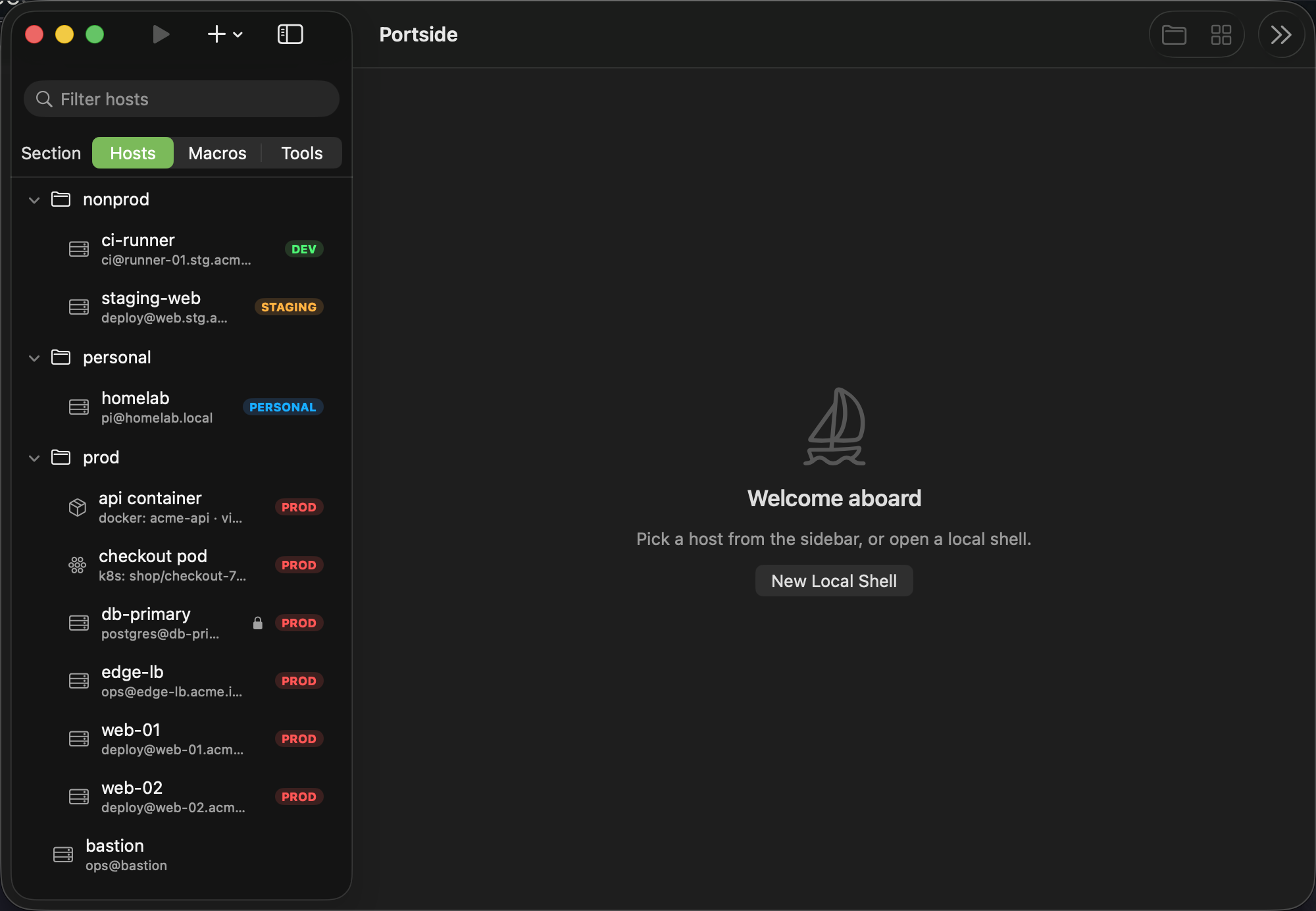
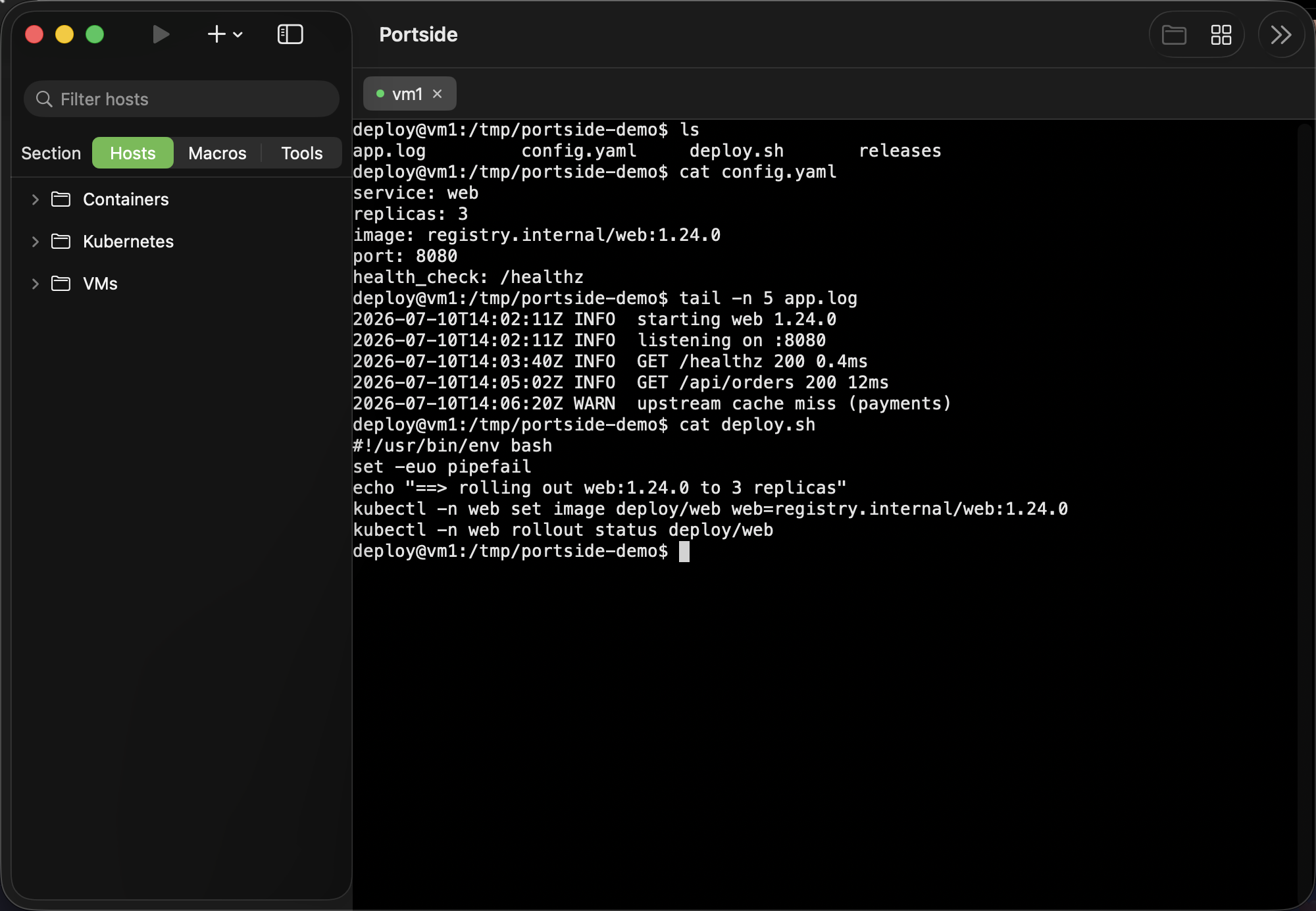
SSH and mosh hosts, containers, Kubernetes pods, serial consoles, and telnet endpoints in nested folders with transport and environment badges. Multi-select with the keyboard and drag hosts between folders — a native macOS sidebar.
MultiExec with guardrails
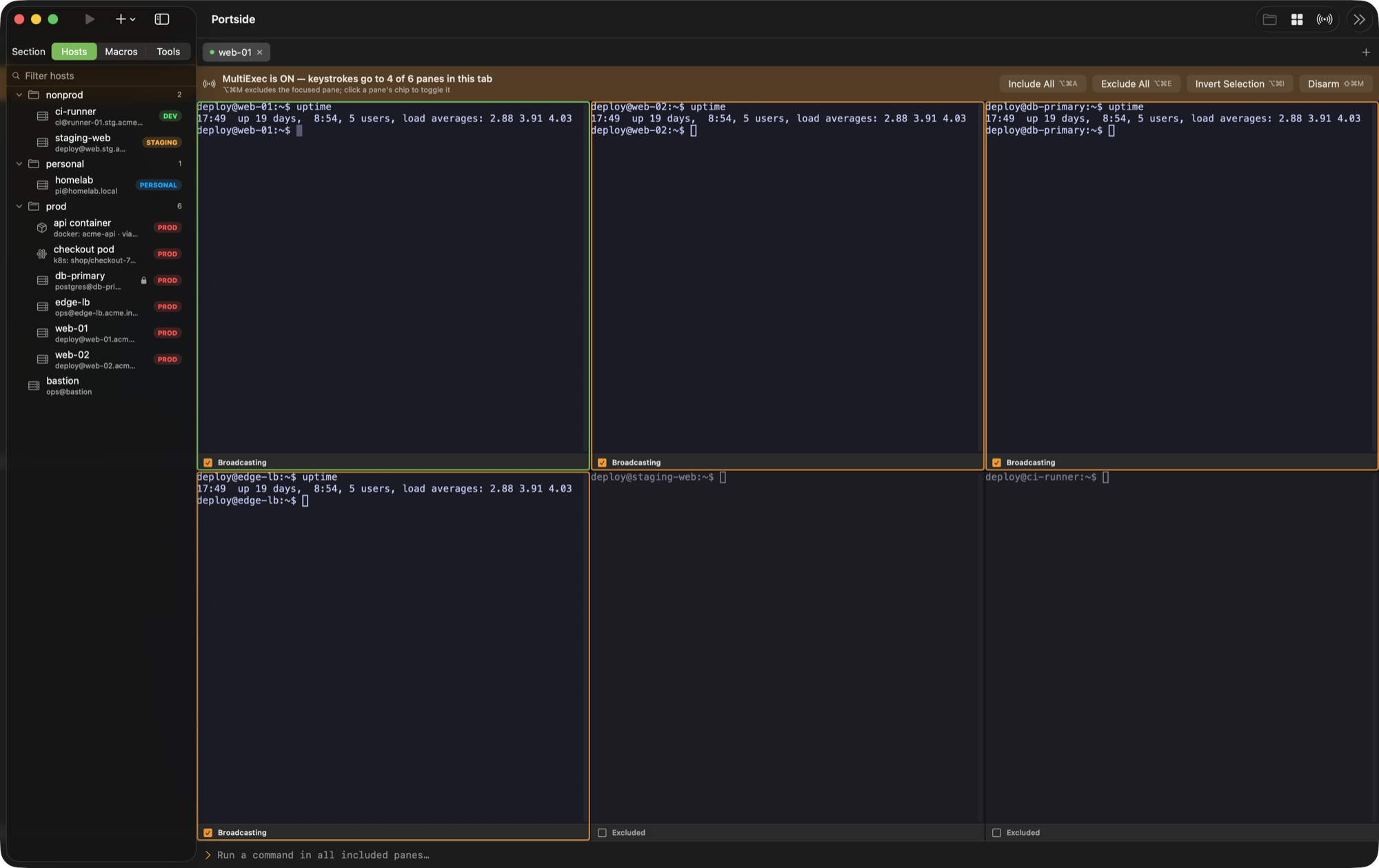
Broadcast keystrokes across a fleet with a loud armed banner counting what's live, and protected hosts that refuse to join uninvited. Drop a host out for a single command and put it back without disarming (⌥⌘M), or sweep the whole grid with Include All, Exclude All and Invert Selection. Arming it is one step — it gathers separate tabs into Grid View automatically.
Split panes
Split any tab (⌘D / ⌘⇧D), navigate by mouse or keyboard, and arm a split for MultiExec to drive a whole group side by side. Your layout comes back on restore.
Containers & K8s, first-class
Save a docker/podman container or a kubectl pod like any host — browse live docker ps / get pods instead of remembering churning names.
SFTP that follows you
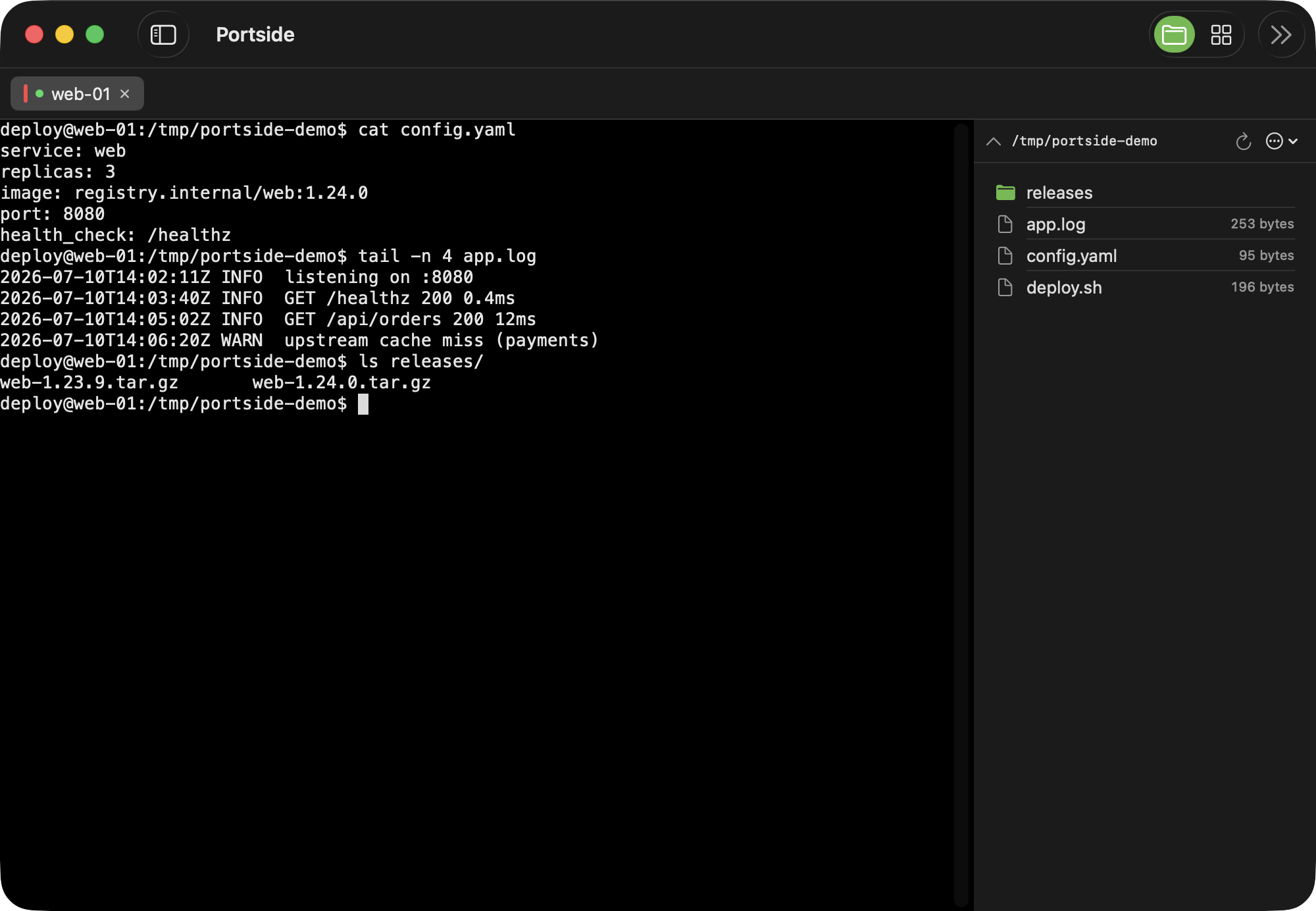
Rides your existing SSH session — no second login — with drag-and-drop transfer and auto-refresh on host switch. It follows cd in the live shell for bash/zsh, with one-click shell-integration install and automatic shell detection. Tunnels managed beside your terminals.
SSH, mosh & console transports
Roam across networks with mosh, bridge directly to /dev/cu.* serial devices, or reach legacy telnet endpoints with a clear unencrypted warning.
Themes & Nerd Fonts, built in
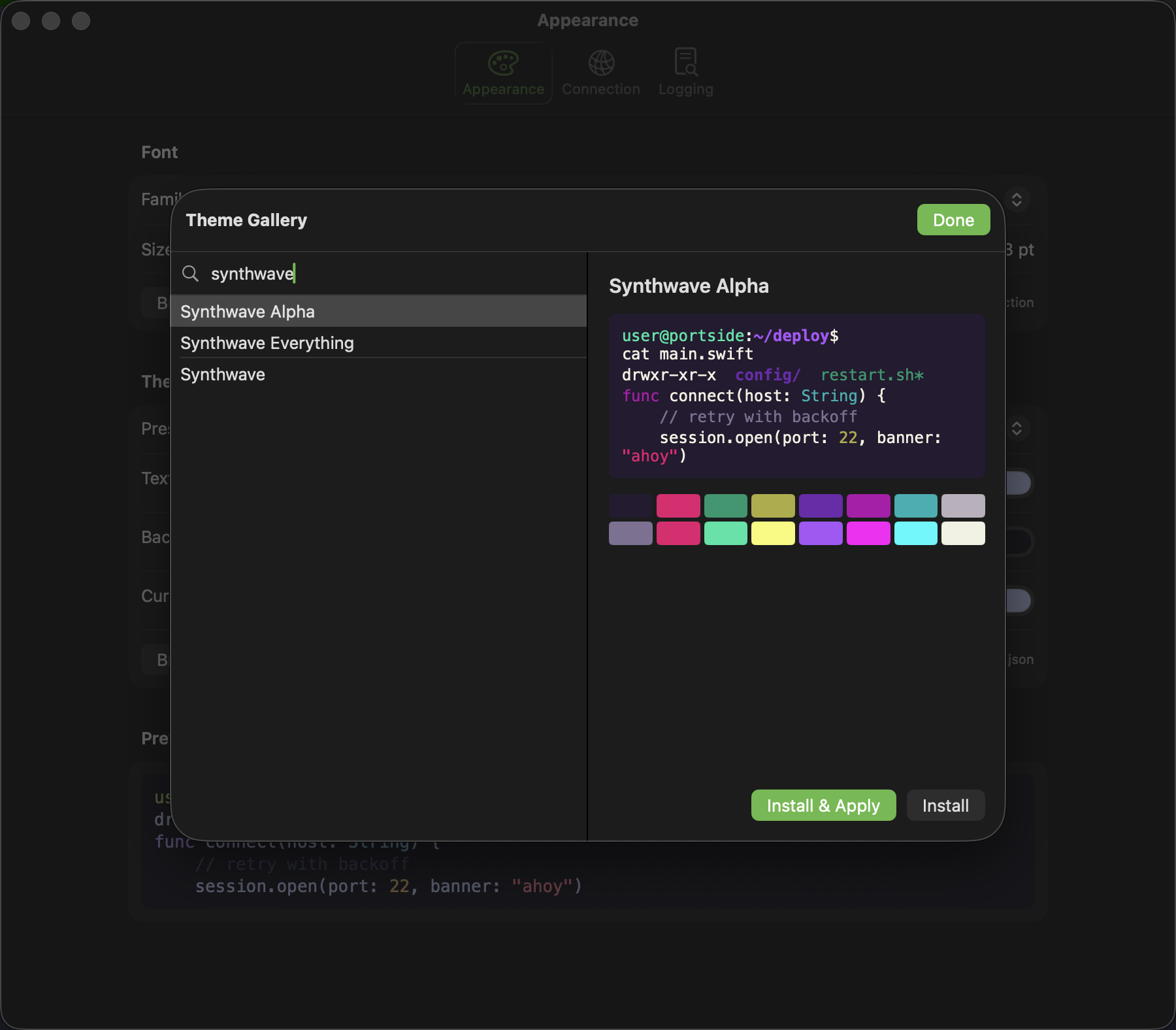
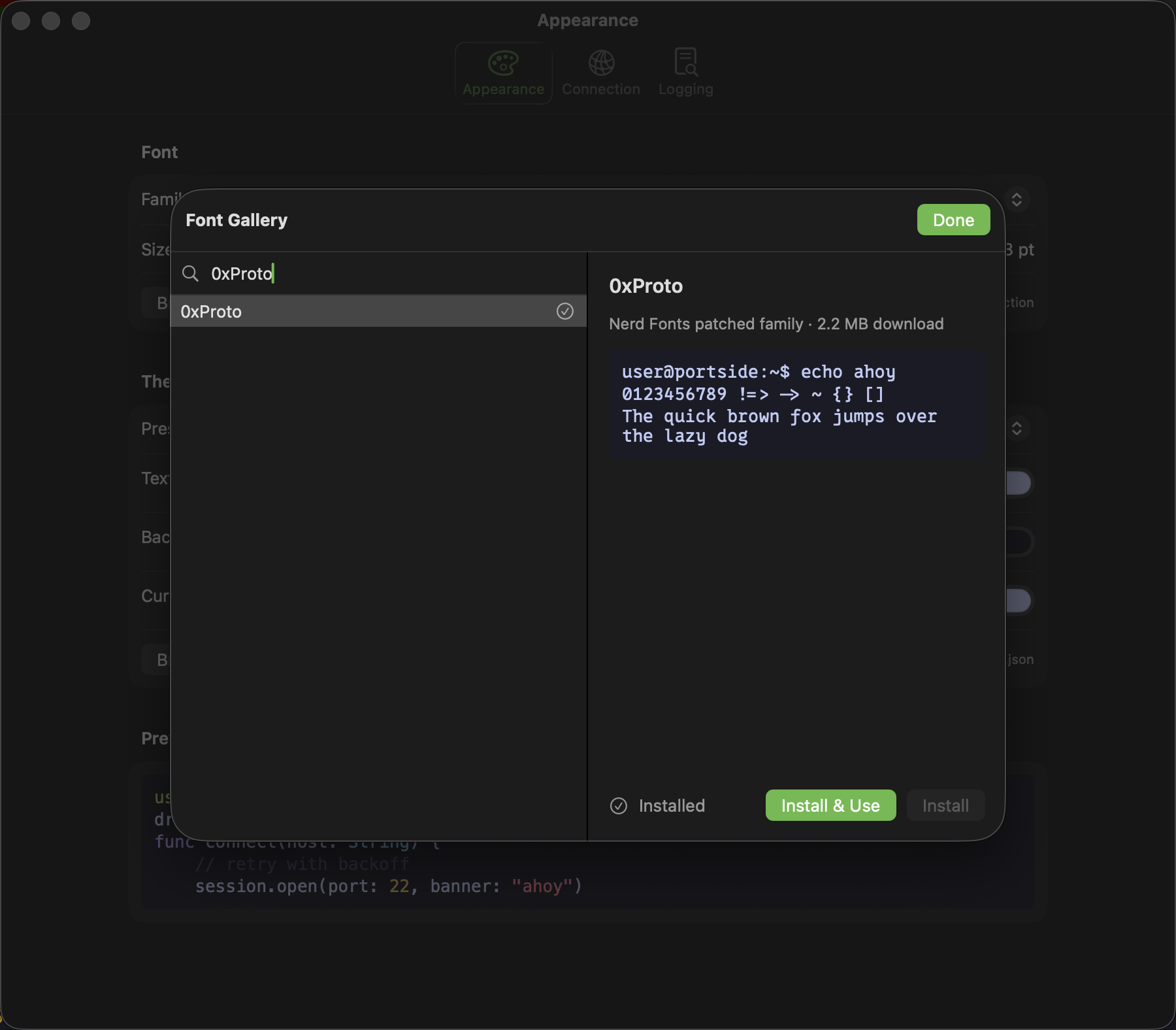
31 bundled color schemes plus in-app galleries: browse ~600 themes and the entire Nerd Fonts collection, preview live, install with one click.
A terminal you can tune
Configurable scrollback (up to 100k lines), optional GPU (Metal) rendering, block/underline/bar cursor styling, and a tested compatibility matrix — truecolor, Unicode, mouse, and more.
Images, right in the terminal
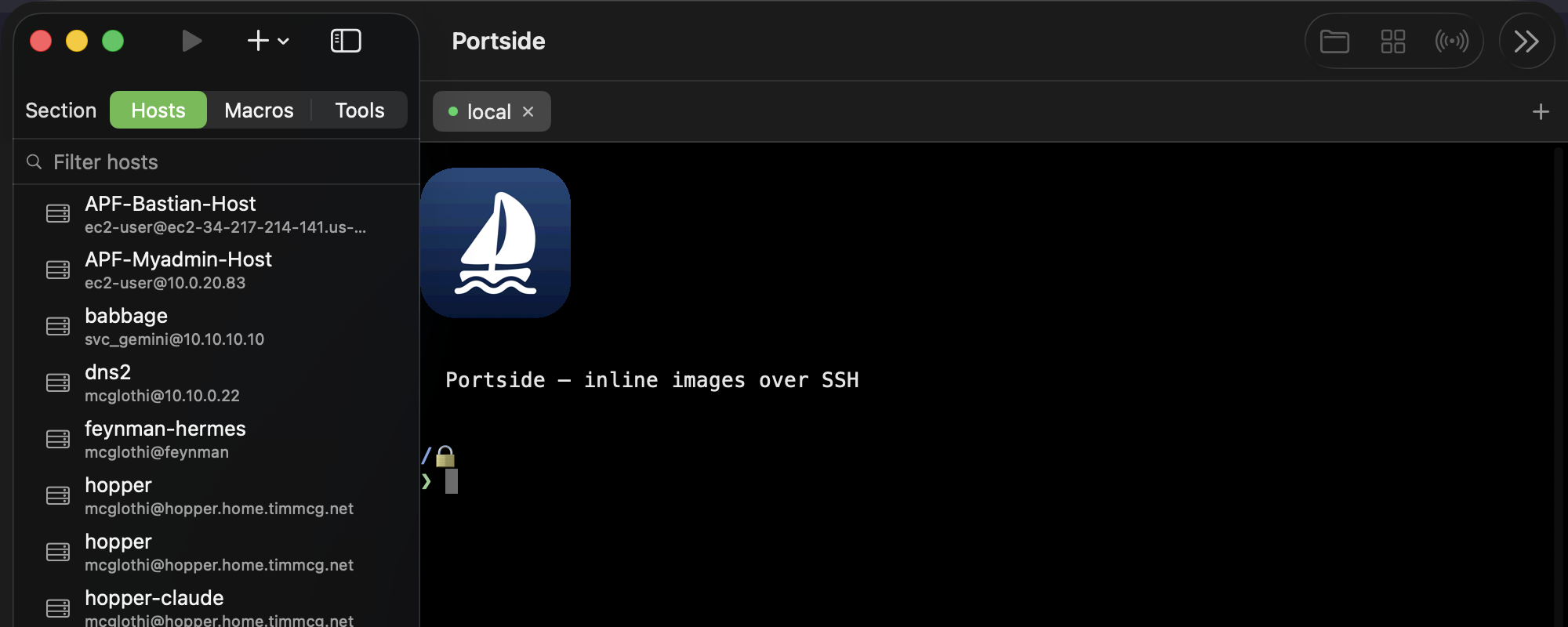
imgcat a screenshot, a Grafana export or a plot from a remote host and look at it where you are, instead of copying it back first. Sixel, iTerm2 and Kitty graphics protocols all render.
Local-first and trustworthy
Your library is a JSON file on your disk. Passwords live in the macOS Keychain. Signed, notarized, auto-updating — and MIT-licensed open source.
Shared credential profiles
Reusable identities (user, key, and/or password) applied in bulk to a multi-selection or a whole folder. Hosts hold a live reference — rotate a profile's password once and every host using it picks it up immediately.
Know your fleet
For a library of hundreds of imported hosts, see what Portside doesn't know: which have no environment tag, no credential profile, or no stored credentials — each fixable in bulk from the same view. It reports coverage, not errors: a host authenticating through ssh-agent isn't misconfigured, and it says so.
What you ran, and when
Per-host connection totals rank Quick Connect by frecency, so a host you use constantly outranks one touched once yesterday — and hosts untouched for months surface for pruning. Opt in and Portside records every command with its timing and exit code, showing the surrounding transcript alongside it.
Quick Connect, recents & favorites
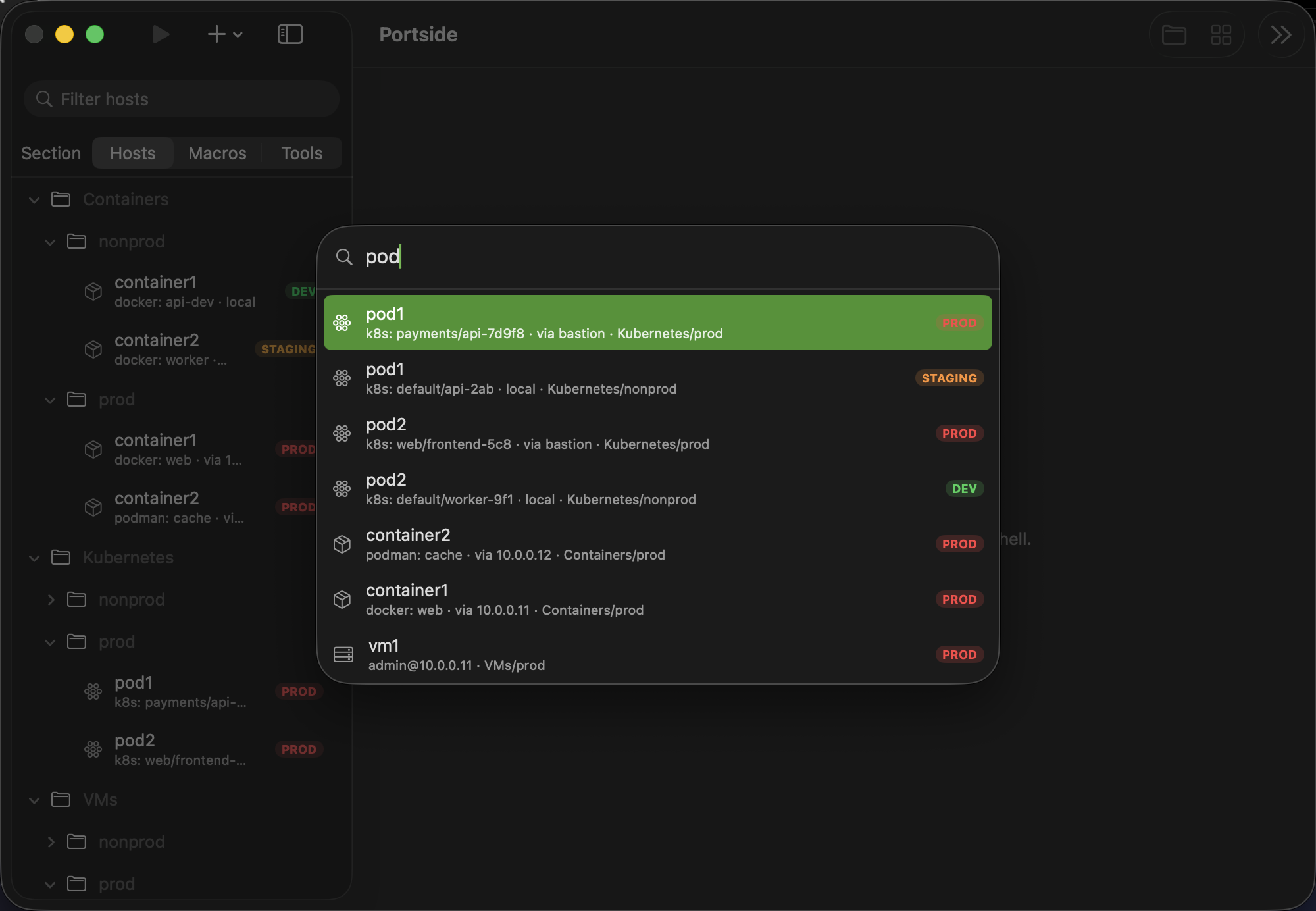
Press ⌘K to fuzzy-search every saved target, or search hosts right from the welcome tab the + button opens. Pin favorites for one-click access and jump straight back into recent sessions from either.
Pick up where you left off
Reopen the tabs you had open when you last quit — hosts reconnect, local shells start fresh, and MultiExec groups come back disarmed. Off, ask, or automatic.
Macros & session logs
Replay named command sequences in one terminal or across MultiExec, with searchable per-target logs and automatic compression.
Every shortcut, remappable
A full Settings page lists every keyboard shortcut with click-to-record rebinding, conflict detection, and one-click reset — no config file editing required.
Tabs that scale with your day
Right-click to duplicate a tab or reopen the last one you closed (⇧⌘T). An overflowing tab strip grows scroll chevrons automatically — no keyboard shortcut required to find the rest of your tabs.
See it in action
Documentation
Release notes
Every version, what changed and why. Also readable inside the app, under About Portside.
MultiExec
One command across many hosts — and the guardrails that make that survivable: protected hosts, the paste confirmation, and when it disarms itself.
Groups
Save a tab's panes and arrangement as one named thing, and reopen the whole grid with a double-click.
Credential profiles
One identity many hosts defer to, so rotating a password is one edit rather than four hundred. Includes how a host resolves its credentials, and why an export carries no secrets.
Key distribution
Push a public key to a selection of hosts at once — and the rules that keep a fleet push from locking the account: one password attempt per host, ever, and no retries.
Terminal compatibility
What the terminal handles, tested rather than claimed — Unicode widths, OSC sequences, images, and the edges that are still rough.
Port forwarding
What saved forwards do, and plainly what they don't: they start a tunnel and watch it, they do not supervise it.
Troubleshooting
Why it asks for a password twice, what a changed host key means, mosh over UDP, serial devices, and what to do when a library won't read.
The road to 1.0
What has to be true before this calls itself 1.0, and what is deliberately after it.
Security
Where credentials live, how updates are verified, and how to report a vulnerability privately.
Privacy
No accounts, no analytics, no crash reporting. The update check is the only thing that leaves your Mac.